


Your company runs a support bot on Slack. Marketing built a separate one for Discord. Someone on the community team spun up yet another for Telegram. Each bot has its own configuration, its own credentials, its own memory — and none of them talk to each other.
Sound familiar? This is the fragmented bot problem, and it plagues nearly every team that tries to deploy AI agents across more than one channel. Users get inconsistent answers depending on where they ask. Context is lost the moment a conversation moves from one platform to another. And your engineering team spends more time wiring up integrations than improving the actual agent.
There is a better way.
Why the Traditional OpenClaw Setup Falls Short
If you have experimented with a self-hosted OpenClaw agent, you already know the friction. Each channel requires its own configuration block, its own set of environment variables, and its own credential management. Want to add WhatsApp alongside your existing Discord bot? That means another config file, another deployment target, and another surface area to monitor and secure.
The typical OpenClaw setup treats channels as isolated silos. There is no built-in mechanism for shared memory across channels, which means your Slack agent has no idea what was discussed on Telegram. Credential rotation is manual. Scaling requires duplicating infrastructure per channel. And when something breaks at 2 AM, you are debugging across multiple runtimes with no unified observability.
This is not a criticism of the framework itself — ZeroClaw is an extraordinarily capable runtime, written in Rust, weighing under 5MB, with support for 28+ AI providers and 15+ messaging channels. The challenge is operational. Managing a raw OpenClaw agent across many channels at production scale demands tooling that the framework alone does not provide.
One Agent, Many Channels, Shared Context
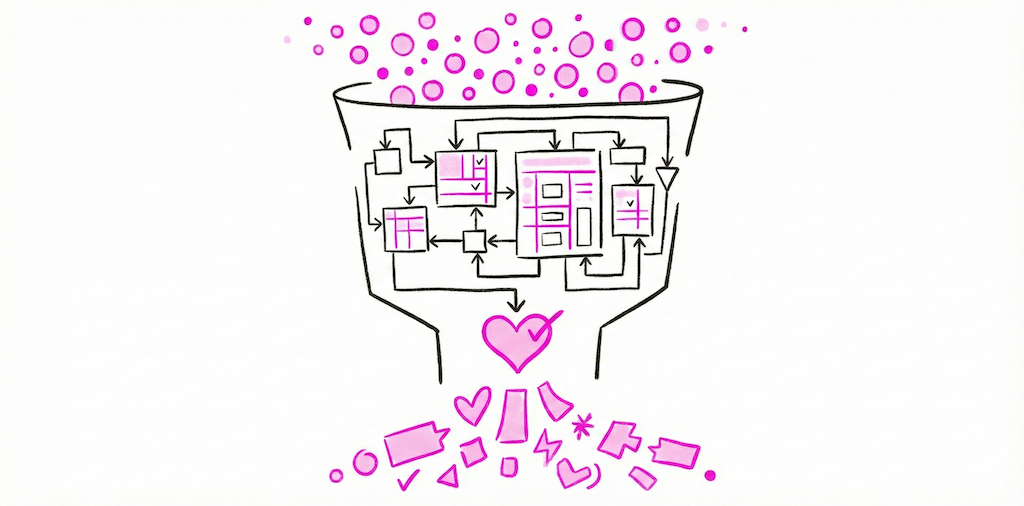
The core insight behind Beetle Den is simple: your AI agent should be defined once and deployed everywhere, with a single memory layer that spans every channel it operates on.
When a customer asks a question on WhatsApp in the morning and follows up on Slack in the afternoon, the agent should remember. When your community manager updates a policy through the admin panel, that knowledge should be available instantly — whether the next question comes in over Discord, Teams, or email.
Beetle Den makes this the default, not an afterthought. You configure your agent's personality, knowledge base, tools, and permissions in one place. The platform handles the rest: provisioning channel adapters, managing OAuth tokens and API keys, routing messages, and persisting memory.
Fifteen Channels and Counting
Beetle Den supports Slack, Discord, Telegram, WhatsApp, Microsoft Teams, iMessage, Matrix, Signal, Email, IRC, Lark, and more — with new channels added regularly. Each channel adapter is built on the ZeroClaw runtime, so you get native performance and reliability without managing the infrastructure yourself.
Enabling a new channel is a matter of connecting your credentials through the dashboard and toggling it on. No redeployment. No new config files. No additional containers to monitor.
Shared Persistent Memory That Actually Works
Memory is where most multi-channel setups break down. Beetle Den implements a hybrid retrieval layer combining vector search and keyword search over your agent's conversation history and knowledge base. This means your agent can recall semantically similar past interactions (vector search) and find exact references like ticket numbers or product names (keyword search) — across every channel, in a single query.
The result is an agent that feels coherent no matter where the user reaches it. Context follows the conversation, not the platform.
Real-World Use Cases
Support teams are the most immediate beneficiary. Customers reach out wherever is convenient for them. With Beetle Den, a single agent handles Slack for internal escalation, email for formal tickets, and WhatsApp or Telegram for quick questions — all with shared context and consistent answers.
Community management teams use multi-channel agents to maintain a presence on Discord, Telegram, and Matrix simultaneously. The agent answers FAQs, enforces guidelines, and surfaces trending topics, drawing on the same knowledge base regardless of channel.
Internal tooling teams deploy agents across Slack and Teams to handle IT requests, onboarding workflows, and knowledge retrieval. Because Beetle Den agents support tool use and function calling, they can query databases, trigger CI/CD pipelines, and file tickets — all from a chat message on any channel.
Getting Started
Deploying your first multi-channel agent takes minutes, not weeks. You do not need to wrangle an OpenClaw agent config for each platform or manage separate credential stores. Beetle Den handles provisioning, scaling, memory, and channel routing out of the box — so you can focus on what your agent actually does.
If you are tired of maintaining a patchwork of single-channel bots and want a unified, production-grade deployment with shared memory across every platform your users care about, Beetle Den was built for exactly this.
Get started with Beetle Den and deploy your first multi-channel agent today.